

Connect Rideful Slides to ChatGPT
Create presentations from ChatGPT's chat interface
Before You Start
Developer Mode Required
ChatGPT requires Developer Mode to be enabled for custom MCP tools — both for setup and for using them in chats. See Step 2 below.
5 Steps to Get Started
Open Settings
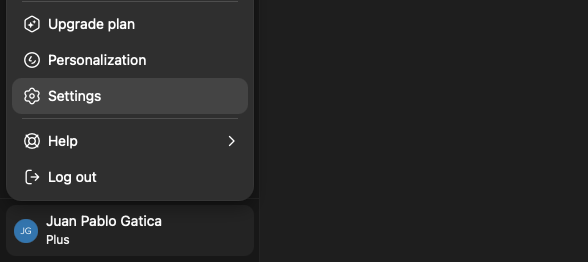
Click your username in the bottom-left corner of ChatGPT
Select Settings
Enable Developer Mode & Create App
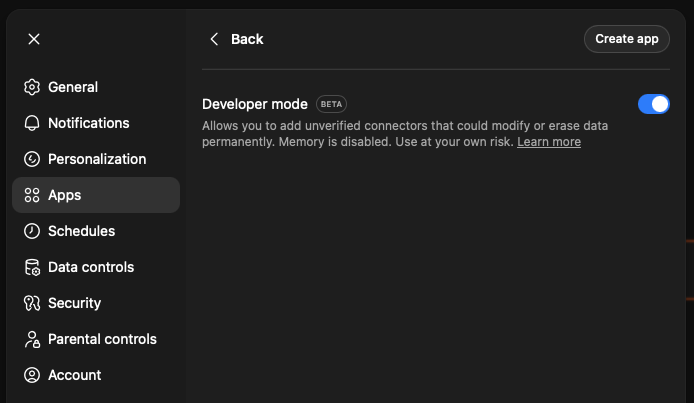
Click Apps in the left sidebar
Click Advanced settings and enable Developer Mode
Once enabled, click "Create app" in the top-right
Fill in the App Details
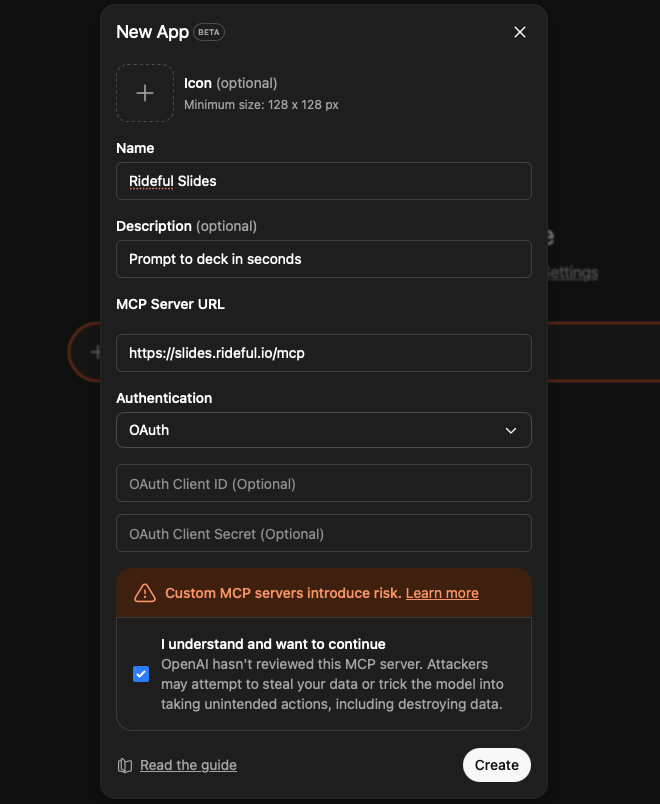
Fill in the "New App" form:
Name:
Rideful SlidesDescription:
Prompt to deck in secondsMCP Server URL:
https://slides.rideful.io/mcpLeave OAuth Client ID and OAuth Client Secret empty.
Authenticate
After clicking Create, you may briefly see an error banner at the top — this is expected.
You'll be redirected to sign in with your Rideful account. Complete the login to authorize the connection.
Tip: If authentication doesn't start automatically, go back to Settings → Apps, find Rideful Slides, and click on it to retry.
Activate in a Chat
In each new chat, click the "+" button next to the message input
Click More, then select Rideful Slides
Once activated, you can ask ChatGPT to create and manage presentations.
Try these prompts:
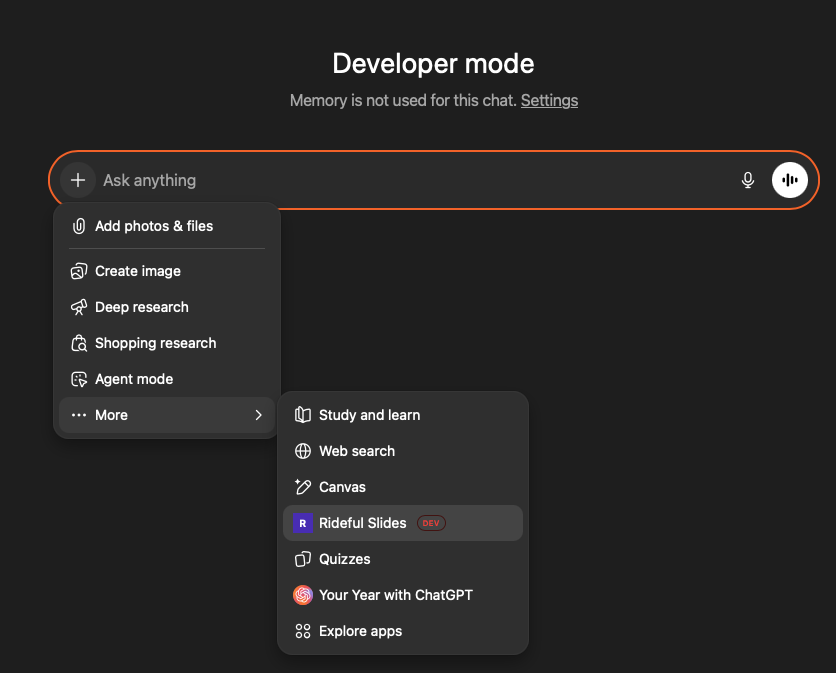
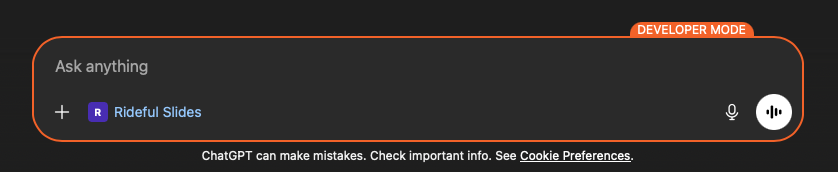
You're all set! You should see this at the bottom of your chat:
Available Tools
Read
deck_listList all slide decks the user has access to
template_listList all slide deck templates available
deck_getGet full details of a deck including theme, slides summary, and guidelines
slide_getGet full details of multiple slides including all elements
Create
deck_createCreate a new slide deck with one empty slide
slide_createCreate a new slide to a deck with built-in or template layouts
slide_bulk_createCreate multiple slides with content in a single call
element_createCreate a shape, text, or line element on a slide
element_bulk_createCreate up to 50 elements on a slide in one call
element_create_imageAdd an image to a slide by fetching from a URL
element_duplicateCopy elements exactly, on the same slide or onto another
Update
element_bulk_updateUpdate multiple elements’ properties in a single call
slide_duplicateDuplicate a slide and all its elements
Delete
element_deleteDelete an element from a slide
slide_deleteDelete a slide and all its elements from a deck